
Geoapify
by apidocs.geoapify.com
Location Information
Added on November 1st, 2026
Checked and working on November 1st, 2026
Visit apidocs.geoapify.com →
What it does
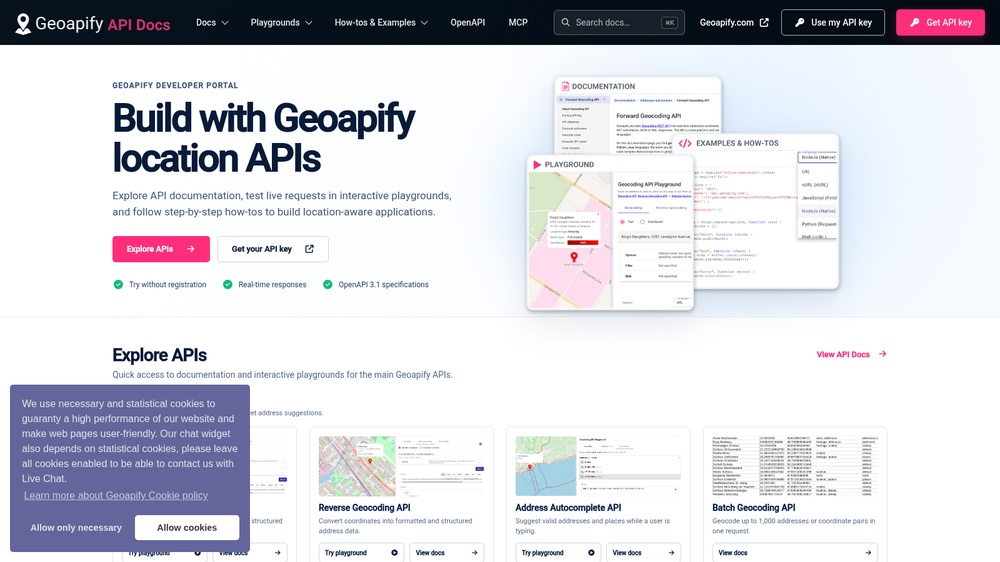
Geoapify offers location APIs built on OpenStreetMap and other open data: address geocoding and autocomplete, reverse geocoding, routing, travel-time areas (isolines), places search and map tiles. Use it to find addresses in a form, show nearby shops or plan a delivery route. Requests are HTTP calls that return JSON or GeoJSON. Free with a free API key, for 3,000 credits a day, also for commercial use; attribution to Geoapify and the data sources is required. An official MCP server at https://api.geoapify.com/v1/mcp lets AI agents use Geoapify's geocoding, routing and places APIs.
At a glance
- API key
- Needed, free · More APIs with a free key
- Pricing
- Free with a free API key, for 3,000 credits a day, also for commercial use; attribution to Geoapify and the data sources is required.
- Commercial use
- Allowed on the free plan
- From the browser
- Yes (CORS)
- Formats
- JSON
- Interface
- REST, HTTP-GET, MCP
- Provider
- apidocs.geoapify.com
- Last checked
- Working on November 1st, 2026
More information: https://apidocs.geoapify.com/
Compare: Nominatim (OpenStreetMap) vs Geoapify
Used in: Add address autocomplete and route planning with free APIs
Is this your service? Show that it is listed
Put this badge on your website or in your README; it links to this page. About the badge

Example request
curl
curl 'https://api.geoapify.com/v1/geocode/search?text=London&apiKey=YOUR_API_KEY'JavaScript
const response = await fetch("https://api.geoapify.com/v1/geocode/search?text=London&apiKey=YOUR_API_KEY");
const data = await response.json();
console.log(data);
Python
import requests

response = requests.get(
    "https://api.geoapify.com/v1/geocode/search?text=London&apiKey=YOUR_API_KEY",
    timeout=30,
)
print(response.json())
Replace YOUR_API_KEY with your own key. The JavaScript works in a web page as well as in Node.js 18 or newer.