
OpenSubtitles API
by opensubtitles.stoplight.io
Video
Added on November 5th, 2026
Checked and working on November 5th, 2026
Visit opensubtitles.stoplight.io →
What it does
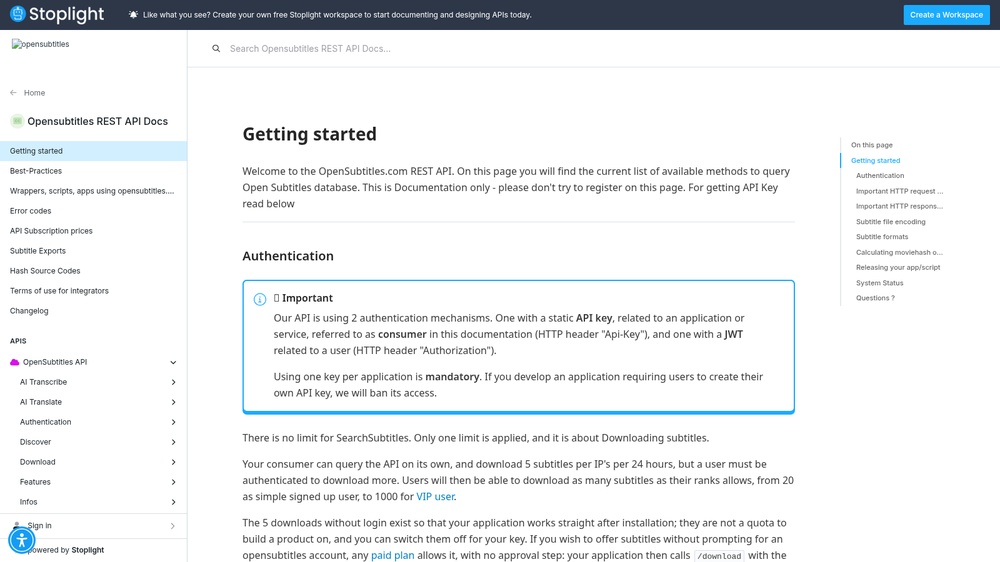
The OpenSubtitles API searches subtitles for films and episodes by title, IMDb or TMDB ID, file hash and language, and gives download links, for example to add subtitles to a media player. Send your key in the Api-Key header and a User-Agent with your app's name. Responses are JSON. Free with a free API key and a daily download limit.
At a glance
- API key
- Needed, free · More APIs with a free key
- Pricing
- Free with a free API key and a daily download limit.
- From the browser
- Yes (CORS)
- Formats
- JSON
- Interface
- REST, HTTP-GET
- Provider
- opensubtitles.stoplight.io
- Last checked
- Working on November 5th, 2026
More information: https://opensubtitles.stoplight.io/docs/opensubtitles-api/e3750fd63a100-getting-started
Is this your service? Show that it is listed
Put this badge on your website or in your README; it links to this page. About the badge

Example request
curl
curl 'https://api.opensubtitles.com/api/v1/subtitles?query=inception' \
  -H 'Api-Key: YOUR_API_KEY' \
  -H 'User-Agent: YourApp v1.0'
JavaScript
const response = await fetch("https://api.opensubtitles.com/api/v1/subtitles?query=inception", {
  headers: {
    "Api-Key": "YOUR_API_KEY",
    "User-Agent": "YourApp v1.0",
  },
});
const data = await response.json();
console.log(data);
Python
import requests

response = requests.get(
    "https://api.opensubtitles.com/api/v1/subtitles?query=inception",
    headers={
        "Api-Key": "YOUR_API_KEY",
        "User-Agent": "YourApp v1.0",
    },
    timeout=30,
)
print(response.json())
Replace YOUR_API_KEY with your own key. The JavaScript works in a web page as well as in Node.js 18 or newer.