
Radio Browser API
by api.radio-browser.info
Audio
Added on November 7th, 2026
Checked and working on November 7th, 2026
Visit api.radio-browser.info →
What it does
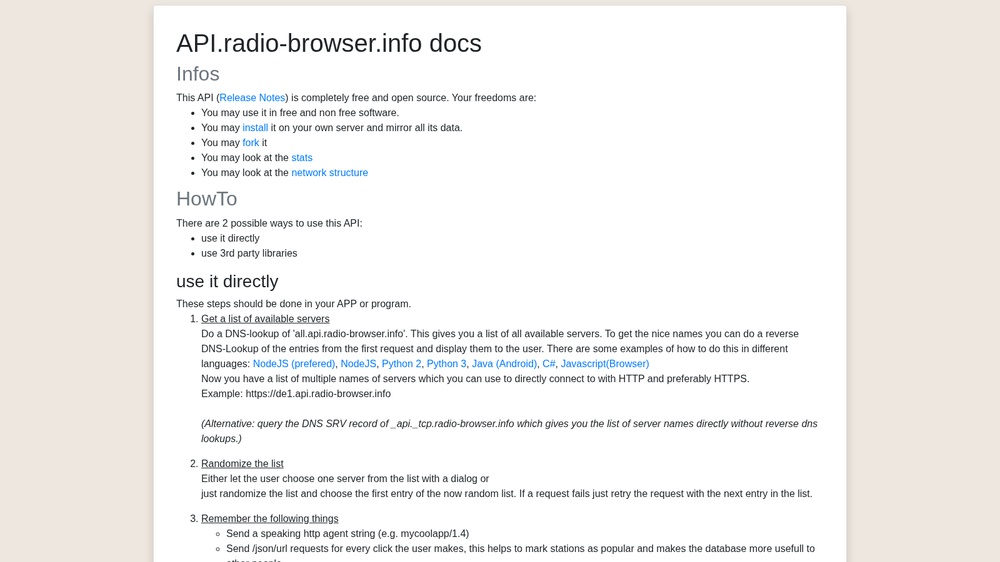
The Radio Browser API is an open directory of internet radio stations with their stream addresses, country, language, tags and bitrate, for example to build a radio player. Requests are GET calls that answer in JSON, XML or CSV. Free, no key needed; the project is open source. Send a User-Agent that names your app, and pick a server from the list at all.api.radio-browser.info instead of hard-coding one.
At a glance
- API key
- Not needed · More APIs with no key
- Pricing
- Free, no key needed; the project is open source.
- From the browser
- Yes (CORS)
- Formats
- JSON, XML, CSV
- Interface
- REST, HTTP-GET
- Provider
- api.radio-browser.info
- Last checked
- Working on November 7th, 2026
More information: https://api.radio-browser.info/
Is this your service? Show that it is listed
Put this badge on your website or in your README; it links to this page. About the badge

Example request
curl
curl 'https://de1.api.radio-browser.info/json/stations/bycountrycodeexact/GB?limit=10&hidebroken=true' \
  -H 'User-Agent: YourApp/1.0'
JavaScript
const response = await fetch("https://de1.api.radio-browser.info/json/stations/bycountrycodeexact/GB?limit=10&hidebroken=true", {
  headers: {
    "User-Agent": "YourApp/1.0",
  },
});
const data = await response.json();
console.log(data);
Python
import requests

response = requests.get(
    "https://de1.api.radio-browser.info/json/stations/bycountrycodeexact/GB?limit=10&hidebroken=true",
    headers={
        "User-Agent": "YourApp/1.0",
    },
    timeout=30,
)
print(response.json())
The JavaScript works in a web page as well as in Node.js 18 or newer.