
MyMemory Translation API
by mymemory.translated.net
Language and text
Added on November 1st, 2026
Visit mymemory.translated.net →
What it does
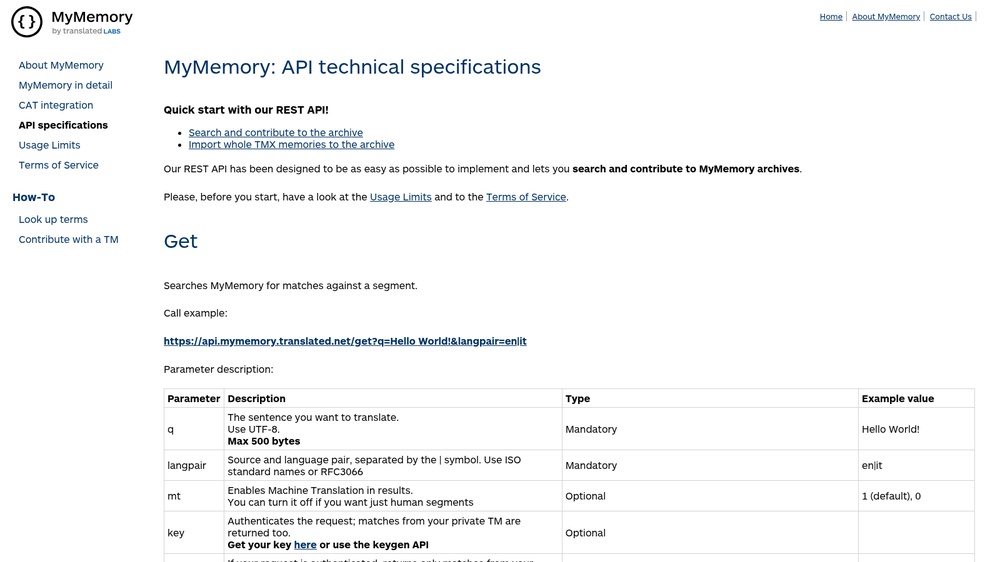
MyMemory is a large translation memory from Translated, combined with machine translation. Its API translates a word or sentence between two languages, for example to show a quick translation of user text in an app. Send a GET request with q and langpair (such as en|de) and get JSON with the best translation, a match score and alternative matches from the memory. Free, no key needed: 5,000 characters a day anonymously, or 50,000 a day when you add a valid email address in the de parameter.
At a glance
- API key
- Not needed · More APIs with no key
- Pricing
- Free, no key needed: 5,000 characters a day anonymously, or 50,000 a day when you add a valid email address in the de parameter.
- From the browser
- Yes (CORS)
- Formats
- JSON
- Interface
- REST, HTTP-GET
- Provider
- mymemory.translated.net
More information: https://mymemory.translated.net/doc/spec.php
Is this your service? Show that it is listed
Put this badge on your website or in your README; it links to this page. About the badge

Example request
curl
curl 'https://api.mymemory.translated.net/get?q=hello&langpair=en%7Cit'JavaScript
const response = await fetch("https://api.mymemory.translated.net/get?q=hello&langpair=en%7Cit");
const data = await response.json();
console.log(data);
Python
import requests

response = requests.get(
    "https://api.mymemory.translated.net/get?q=hello&langpair=en%7Cit",
    timeout=30,
)
print(response.json())
The JavaScript works in a web page as well as in Node.js 18 or newer.