
Microsoft Translator
by learn.microsoft.com
Language and text
Added on February 9th, 2011
Checked and working on November 15th, 2026
Visit learn.microsoft.com →
What it does
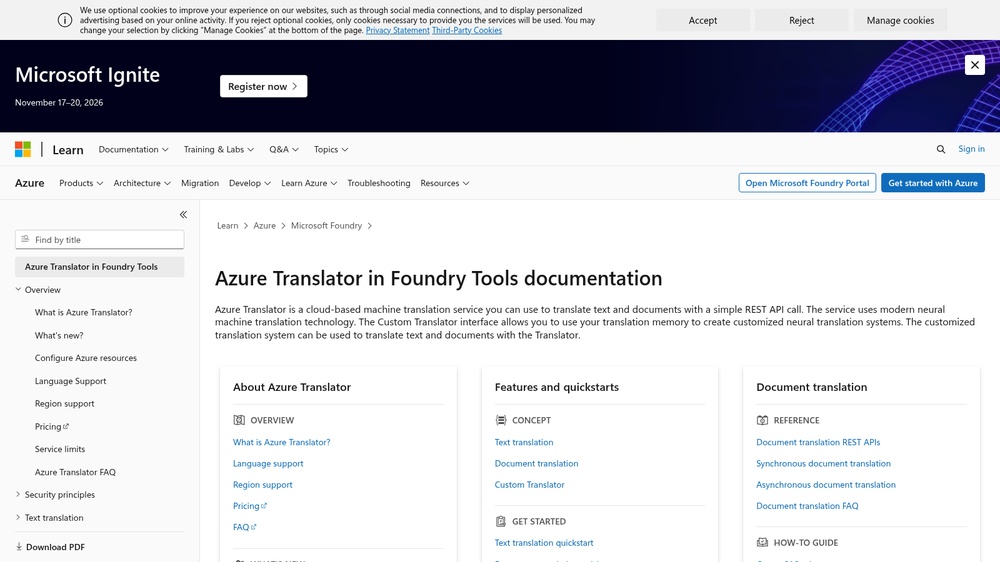
Microsoft Translator (Azure AI Translator) translates text between more than 100 languages through a REST API, and can also detect languages, transliterate between scripts and look up dictionary translations. Document translation keeps the layout of Word, PDF and other files. Responses are JSON. Free tier of 2 million characters per month with an Azure account; paid above that.
At a glance
- API key
- Needed, free · More APIs with a free key
- Pricing
- Free tier of 2 million characters per month with an Azure account; paid above that.
- From the browser
- Yes (CORS)
- Formats
- JSON
- Interface
- REST
- Provider
- learn.microsoft.com
- Last checked
- Working on November 15th, 2026
More information: https://learn.microsoft.com/azure/ai-services/translator/
Compare: DeepL API vs Microsoft Translator
Is this your service? Show that it is listed
Put this badge on your website or in your README; it links to this page. About the badge

Example request
curl
curl -X POST 'https://api.cognitive.microsofttranslator.com/translate?api-version=3.0&to=de' \
  -H 'Ocp-Apim-Subscription-Key: YOUR_API_KEY' \
  -H 'Ocp-Apim-Subscription-Region: westeurope' \
  -H 'Content-Type: application/json' \
  -d '[{"Text": "hello"}]'
JavaScript
const response = await fetch("https://api.cognitive.microsofttranslator.com/translate?api-version=3.0&to=de", {
  method: 'POST',
  headers: {
    "Ocp-Apim-Subscription-Key": "YOUR_API_KEY",
    "Ocp-Apim-Subscription-Region": "westeurope",
    "Content-Type": "application/json",
  },
  body: JSON.stringify([{"Text":"hello"}]),
});
const data = await response.json();
console.log(data);
Python
import requests

response = requests.post(
    "https://api.cognitive.microsofttranslator.com/translate?api-version=3.0&to=de",
    headers={
        "Ocp-Apim-Subscription-Key": "YOUR_API_KEY",
        "Ocp-Apim-Subscription-Region": "westeurope",
        "Content-Type": "application/json",
    },
    json=[
        {
            "Text": "hello",
        },
    ],
    timeout=30,
)
print(response.json())
Replace YOUR_API_KEY with your own key. The JavaScript works in a web page as well as in Node.js 18 or newer.