
Trove API
by trove.nla.gov.au
Books and research
Added on November 7th, 2026
Checked and working on November 7th, 2026
Visit trove.nla.gov.au →
What it does
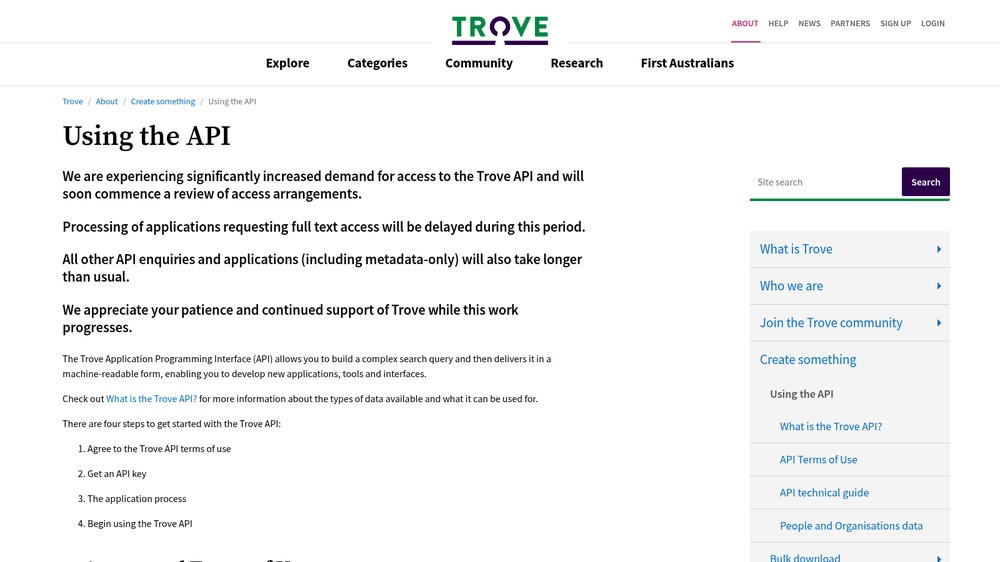
The Trove API from the National Library of Australia searches the metadata of millions of digitised Australian newspaper articles, books, pictures and other collection items, for example to find historical newspaper reports of an event. Requests are GET calls with a key, and the answers are JSON or XML. Free with a free API key for non-commercial use; commercial use needs permission from the library.
At a glance
- API key
- Needed, free · More APIs with a free key
- Pricing
- Free with a free API key for non-commercial use; commercial use needs permission from the library.
- Commercial use
- Not on the free plan
- From the browser
- No, call it from a server
- Formats
- JSON, XML
- Interface
- REST, HTTP-GET
- Provider
- trove.nla.gov.au
- Last checked
- Working on November 7th, 2026
More information: https://trove.nla.gov.au/about/create-something/using-api
Is this your service? Show that it is listed
Put this badge on your website or in your README; it links to this page. About the badge

Example request
curl
curl 'https://api.trove.nla.gov.au/v3/result?q=london&category=newspaper&key=YOUR_API_KEY'JavaScript
const response = await fetch("https://api.trove.nla.gov.au/v3/result?q=london&category=newspaper&key=YOUR_API_KEY");
const data = await response.json();
console.log(data);
Python
import requests

response = requests.get(
    "https://api.trove.nla.gov.au/v3/result?q=london&category=newspaper&key=YOUR_API_KEY",
    timeout=30,
)
print(response.json())
Replace YOUR_API_KEY with your own key. Run the JavaScript on a server, such as Node.js 18 or newer: this API does not accept calls from web pages on other sites.