
Linkup API
by docs.linkup.so
AI search and web reading
Added on November 3rd, 2026
Checked and working on November 3rd, 2026
Visit docs.linkup.so →
What it does
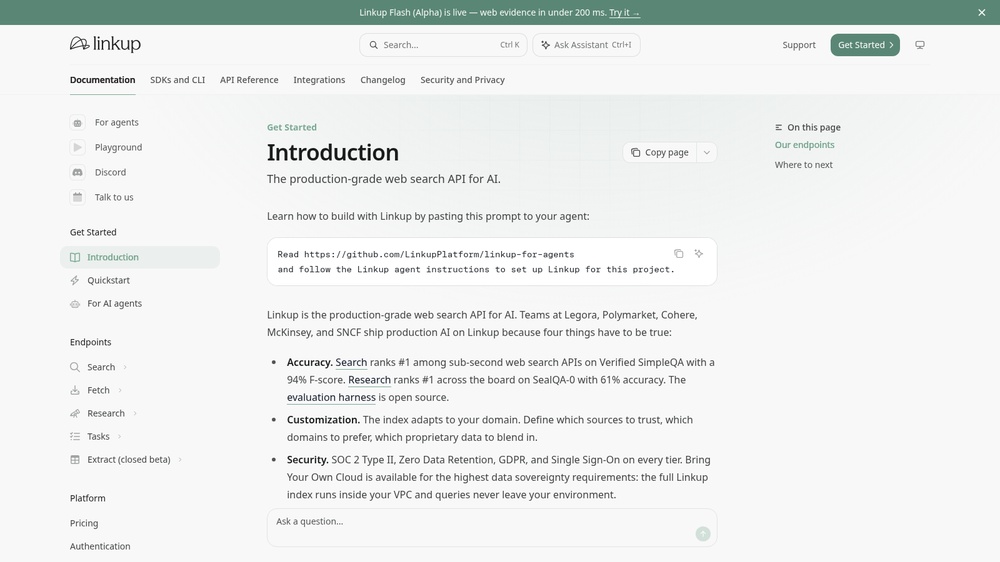
Linkup is a web search API for AI apps: ask a question and get results with page content, or a short answer with its sources, for example to let an assistant cite current news. Requests are JSON POST calls with a Bearer API key. Free with a free API key: $20 of credit at sign-up with a work e-mail address, topped up to $20 each month for eligible accounts. An official MCP server at https://mcp.linkup.so/mcp lets AI agents search the web and fetch pages.
At a glance
- API key
- Needed, free · More APIs with a free key
- Pricing
- Free with a free API key: $20 of credit at sign-up with a work e-mail address, topped up to $20 each month for eligible accounts.
- From the browser
- Yes (CORS)
- Formats
- JSON
- Interface
- REST, MCP
- Provider
- docs.linkup.so
- Last checked
- Working on November 3rd, 2026
More information: https://docs.linkup.so/pages/documentation/get-started/introduction
Is this your service? Show that it is listed
Put this badge on your website or in your README; it links to this page. About the badge

Example request
curl
curl -X POST 'https://api.linkup.so/v1/search' \
  -H 'Authorization: Bearer YOUR_API_KEY' \
  -H 'Content-Type: application/json' \
  -d '{"q":"London weather","depth":"standard","outputType":"searchResults"}'
JavaScript
const response = await fetch("https://api.linkup.so/v1/search", {
  method: 'POST',
  headers: {
    "Authorization": "Bearer YOUR_API_KEY",
    "Content-Type": "application/json",
  },
  body: JSON.stringify({"q":"London weather","depth":"standard","outputType":"searchResults"}),
});
const data = await response.json();
console.log(data);
Python
import requests

response = requests.post(
    "https://api.linkup.so/v1/search",
    headers={
        "Authorization": "Bearer YOUR_API_KEY",
        "Content-Type": "application/json",
    },
    json={
        "q": "London weather",
        "depth": "standard",
        "outputType": "searchResults",
    },
    timeout=30,
)
print(response.json())
Replace YOUR_API_KEY with your own key. The JavaScript works in a web page as well as in Node.js 18 or newer.