
LangSearch Web Search API
by docs.langsearch.com
AI search and web reading
Added on November 3rd, 2026
Checked and working on November 3rd, 2026
Visit docs.langsearch.com →
What it does
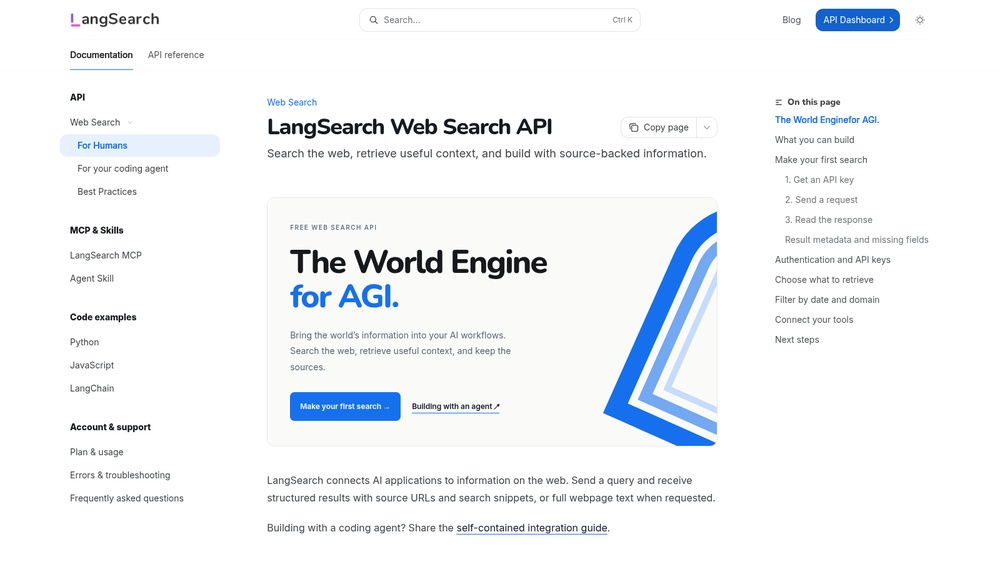
The LangSearch Web Search API searches the web for AI apps and agents and returns ranked results with URLs, titles and snippets, or the full page text when asked, for example to give a language model current sources to cite. Send a JSON POST to /v1/web-search with a Bearer API key and set the number of results and freshness. Free with a free API key, within a daily token allowance and rate limits. An official MCP server at https://mcp.langsearch.com/mcp lets AI agents search the web.
At a glance
- API key
- Needed, free · More APIs with a free key
- Pricing
- Free with a free API key, within a daily token allowance and rate limits.
- From the browser
- Yes (CORS)
- Formats
- JSON
- Interface
- REST, MCP
- Provider
- docs.langsearch.com
- Last checked
- Working on November 3rd, 2026
More information: https://docs.langsearch.com/reference/search-api-guide
Is this your service? Show that it is listed
Put this badge on your website or in your README; it links to this page. About the badge

Example request
curl
curl -X POST 'https://api.langsearch.com/v1/web-search' \
  -H 'Authorization: Bearer YOUR_API_KEY' \
  -H 'Content-Type: application/json' \
  -d '{"query":"London weather","count":3}'
JavaScript
const response = await fetch("https://api.langsearch.com/v1/web-search", {
  method: 'POST',
  headers: {
    "Authorization": "Bearer YOUR_API_KEY",
    "Content-Type": "application/json",
  },
  body: JSON.stringify({"query":"London weather","count":3}),
});
const data = await response.json();
console.log(data);
Python
import requests

response = requests.post(
    "https://api.langsearch.com/v1/web-search",
    headers={
        "Authorization": "Bearer YOUR_API_KEY",
        "Content-Type": "application/json",
    },
    json={
        "query": "London weather",
        "count": 3,
    },
    timeout=30,
)
print(response.json())
Replace YOUR_API_KEY with your own key. The JavaScript works in a web page as well as in Node.js 18 or newer.