Google Gemini API
by ai.google.dev
AI models and chat
Added on October 31st, 2026
Checked and working on November 1st, 2026
Visit ai.google.dev →
What it does
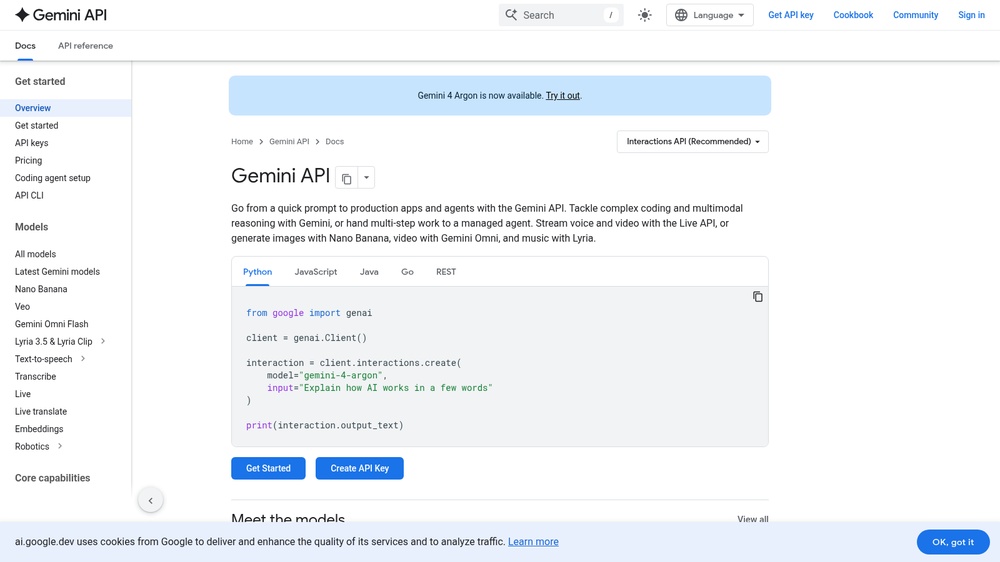
The Gemini API from Google gives access to the Gemini family of AI models for text generation, chat, summarising, coding, image and document understanding, speech, embeddings and function calling. Call it over REST or with the official SDKs for Python, JavaScript, Go and more, and try prompts first in Google AI Studio. Free tier for most text, speech and embedding models with a free API key and rate limits; content sent on the free tier may be used by Google to improve its products, so use the paid tier for private data.
At a glance
- API key
- Needed, free · More APIs with a free key
- Pricing
- Free tier for most text, speech and embedding models with a free API key and rate limits; content sent on the free tier may be used by Google to improve its products, so use the paid tier for private data.
- From the browser
- Yes (CORS)
- Formats
- JSON
- Interface
- REST
- Provider
- ai.google.dev
- Last checked
- Working on November 1st, 2026
More information: https://ai.google.dev/gemini-api/docs
Compare: Google Gemini API vs Groq API
Used in: Build a chatbot on free AI API tiers
Is this your service? Show that it is listed
Put this badge on your website or in your README; it links to this page. About the badge

Example request
curl
curl -X POST 'https://generativelanguage.googleapis.com/v1beta/models/gemini-3.8-flash:generateContent' \
  -H 'x-goog-api-key: YOUR_API_KEY' \
  -H 'Content-Type: application/json' \
  -d '{"contents": [{"parts": [{"text": "hello"}]}]}'
JavaScript
const response = await fetch("https://generativelanguage.googleapis.com/v1beta/models/gemini-3.8-flash:generateContent", {
  method: 'POST',
  headers: {
    "x-goog-api-key": "YOUR_API_KEY",
    "Content-Type": "application/json",
  },
  body: JSON.stringify({"contents":[{"parts":[{"text":"hello"}]}]}),
});
const data = await response.json();
console.log(data);
Python
import requests

response = requests.post(
    "https://generativelanguage.googleapis.com/v1beta/models/gemini-3.8-flash:generateContent",
    headers={
        "x-goog-api-key": "YOUR_API_KEY",
        "Content-Type": "application/json",
    },
    json={
        "contents": [
            {
                "parts": [
                    {
                        "text": "hello",
                    },
                ],
            },
        ],
    },
    timeout=30,
)
print(response.json())
Replace YOUR_API_KEY with your own key. The JavaScript works in a web page as well as in Node.js 18 or newer.