
Google PageSpeed Insights API
by developers.google.com
SEO and site checks
Added on October 31st, 2026
Checked and working on November 15th, 2026
Visit developers.google.com →
What it does
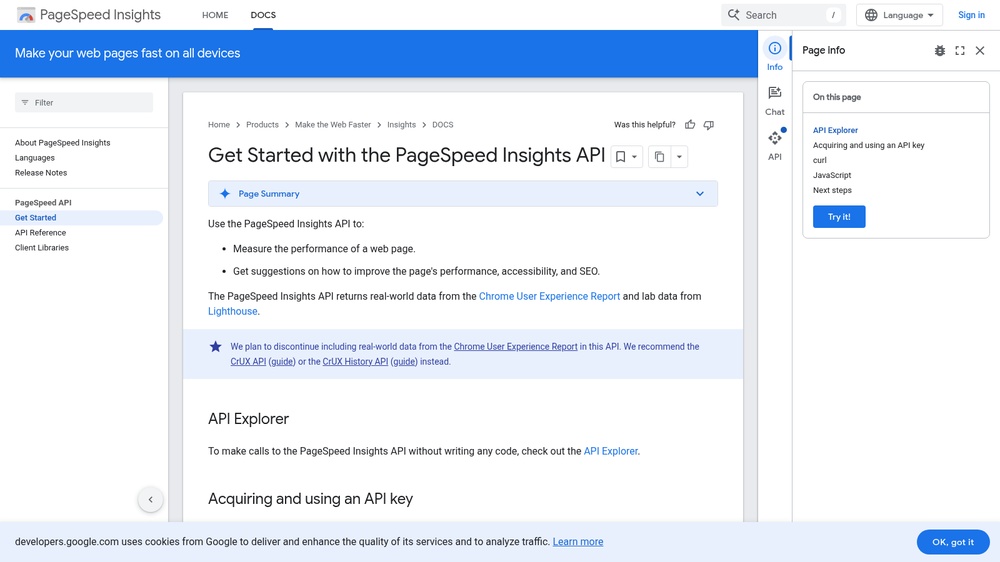
The PageSpeed Insights API runs Google Lighthouse on any public URL and returns its scores for performance, accessibility, best practices and SEO, together with Core Web Vitals from real Chrome users where available. Run tests for mobile or desktop and get detailed audits and suggestions. Responses are JSON. Free; a free API key raises the request limits.
At a glance
- API key
- Needed, free · More APIs with a free key
- Pricing
- Free; a free API key raises the request limits.
- From the browser
- Yes (CORS)
- Interface
- REST, HTTP-GET
- Provider
- developers.google.com
- Last checked
- Working on November 15th, 2026
More information: https://developers.google.com/speed/docs/insights/v5/get-started
Compare: Google PageSpeed Insights API vs Chrome UX Report (CrUX) API
Used in: Check a website's security, HTTPS and speed with free APIs
Is this your service? Show that it is listed
Put this badge on your website or in your README; it links to this page. About the badge

Example request
curl
curl 'https://www.googleapis.com/pagespeedonline/v5/runPagespeed?url=https://example.com&key=YOUR_API_KEY'JavaScript
const response = await fetch("https://www.googleapis.com/pagespeedonline/v5/runPagespeed?url=https://example.com&key=YOUR_API_KEY");
const text = await response.text();
console.log(text);
Python
import requests

response = requests.get(
    "https://www.googleapis.com/pagespeedonline/v5/runPagespeed?url=https://example.com&key=YOUR_API_KEY",
    timeout=30,
)
print(response.text)
Replace YOUR_API_KEY with your own key. The JavaScript works in a web page as well as in Node.js 18 or newer.