
Chrome UX Report (CrUX) API
by developer.chrome.com
SEO and site checks
Added on November 1st, 2026
Checked and working on November 1st, 2026
Visit developer.chrome.com →
What it does
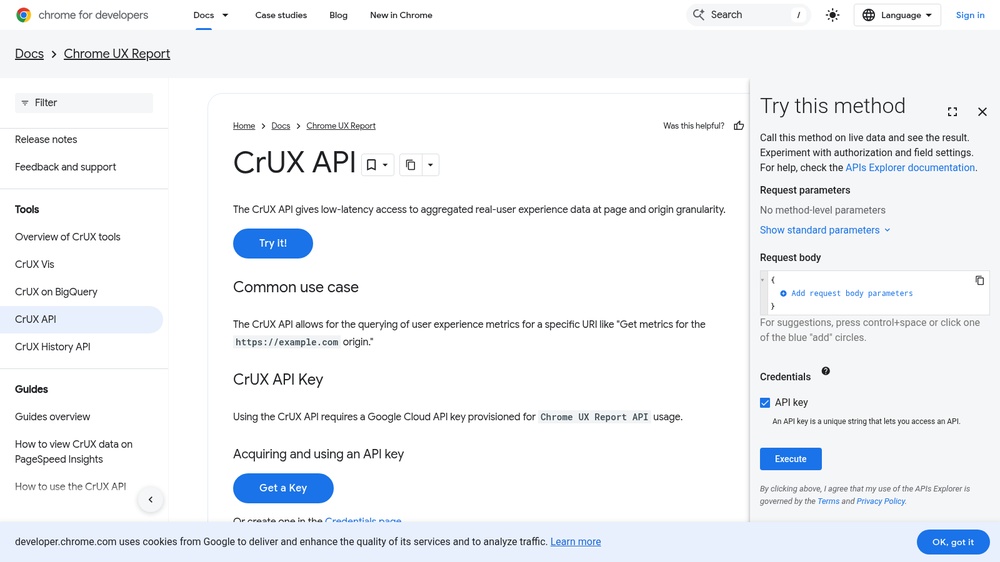
The Chrome UX Report API returns real-user speed data from Chrome for a page or a whole origin: Core Web Vitals such as LCP, INP and CLS as histograms and percentiles. Use it to watch how fast a site really is for visitors. Send a POST request with a JSON body naming the origin or URL and optionally the device type; data is a 28-day rolling average updated daily. Free with a free Google Cloud API key, 150 queries per minute.
At a glance
- API key
- Needed, free · More APIs with a free key
- Pricing
- Free with a free Google Cloud API key, 150 queries per minute.
- Formats
- JSON
- Interface
- REST
- Provider
- developer.chrome.com
- Last checked
- Working on November 1st, 2026
More information: https://developer.chrome.com/docs/crux/api
Compare: Google PageSpeed Insights API vs Chrome UX Report (CrUX) API
Used in: Check a website's security, HTTPS and speed with free APIs
Is this your service? Show that it is listed
Put this badge on your website or in your README; it links to this page. About the badge

Example request
curl
curl -X POST 'https://chromeuxreport.googleapis.com/v1/records:queryRecord?key=YOUR_API_KEY' \
  -H 'Content-Type: application/json' \
  -d '{"origin": "https://www.wikipedia.org"}'
JavaScript
const response = await fetch("https://chromeuxreport.googleapis.com/v1/records:queryRecord?key=YOUR_API_KEY", {
  method: 'POST',
  headers: {
    "Content-Type": "application/json",
  },
  body: JSON.stringify({"origin":"https://www.wikipedia.org"}),
});
const data = await response.json();
console.log(data);
Python
import requests

response = requests.post(
    "https://chromeuxreport.googleapis.com/v1/records:queryRecord?key=YOUR_API_KEY",
    headers={
        "Content-Type": "application/json",
    },
    json={
        "origin": "https://www.wikipedia.org",
    },
    timeout=30,
)
print(response.json())
Replace YOUR_API_KEY with your own key.