
Microlink
by microlink.io
Image and photo
Added on October 31st, 2026
Checked and working on November 1st, 2026
Visit microlink.io →
What it does
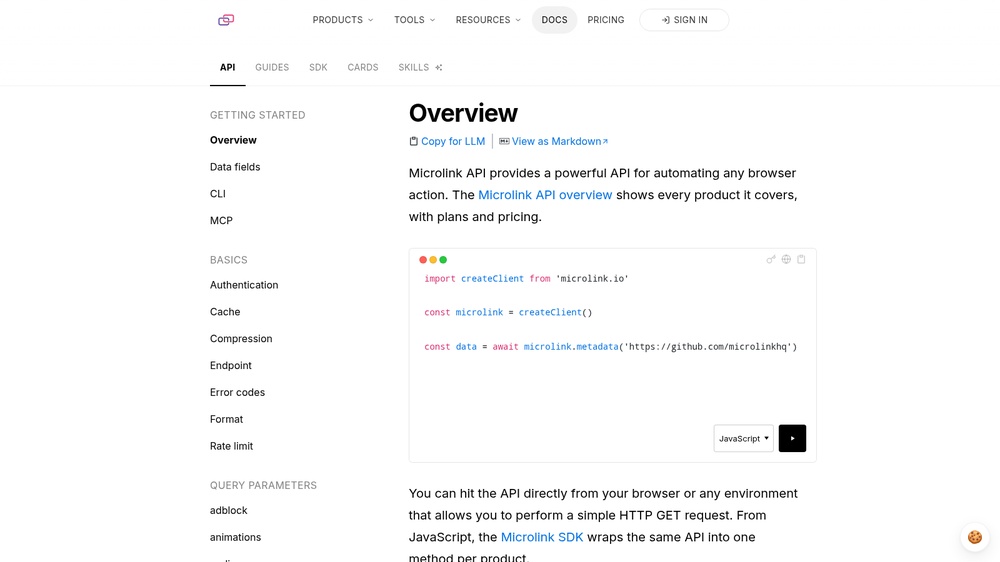
Microlink turns any URL into structured data and media. Get link preview data (title, description, image, logo, author, date), take a screenshot or PDF of the page, extract the colour palette or detect the technologies a site uses. Responses are JSON, or the media file directly. The free plan allows 50 requests per day without a key; paid plans offer more. An official MCP server (npm package @microlink/mcp) lets AI agents take screenshots and read metadata from web pages.
At a glance
- API key
- Not needed · More APIs with no key
- Pricing
- The free plan allows 50 requests per day without a key; paid plans offer more.
- From the browser
- Yes (CORS)
- Formats
- JSON
- Interface
- REST, HTTP-GET, MCP
- Provider
- microlink.io
- Last checked
- Working on November 1st, 2026
More information: https://microlink.io/docs/api/getting-started/overview
Is this your service? Show that it is listed
Put this badge on your website or in your README; it links to this page. About the badge

Example request
curl
curl 'https://api.microlink.io/?url=https://example.com'JavaScript
const response = await fetch("https://api.microlink.io/?url=https://example.com");
const data = await response.json();
console.log(data);
Python
import requests

response = requests.get(
    "https://api.microlink.io/?url=https://example.com",
    timeout=30,
)
print(response.json())
The JavaScript works in a web page as well as in Node.js 18 or newer.