
Discord webhooks
by discord.com
Communication
Added on October 31st, 2026
Checked and working on November 15th, 2026
Visit discord.com →
What it does
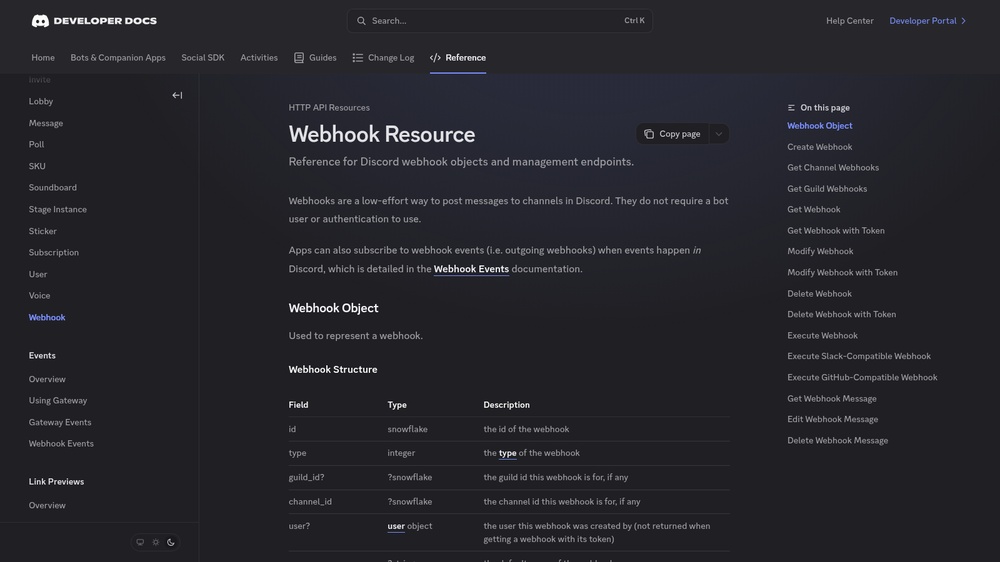
Discord webhooks are the easiest way to post messages to a Discord channel from your own software: create a webhook in the channel settings and send a POST request with your message to its URL. Messages can contain text, a custom name and avatar, embeds with titles, fields, colours and images, and file attachments. Responses are JSON. Free; for two-way interaction use the full Discord bot API.
At a glance
- API key
- Needed, free · More APIs with a free key
- Pricing
- Free; for two-way interaction use the full Discord bot API.
- From the browser
- Yes (CORS)
- Formats
- JSON
- Interface
- REST, HTTP-GET, Webhooks
- Provider
- discord.com
- Last checked
- Working on November 15th, 2026
More information: https://discord.com/developers/docs/resources/webhook
Compare: Telegram Bot API vs Discord webhooks
Is this your service? Show that it is listed
Put this badge on your website or in your README; it links to this page. About the badge

Example request
curl
curl 'https://discord.com/api/webhooks/YOUR_WEBHOOK_ID/YOUR_API_KEY'JavaScript
const response = await fetch("https://discord.com/api/webhooks/YOUR_WEBHOOK_ID/YOUR_API_KEY");
const data = await response.json();
console.log(data);
Python
import requests

response = requests.get(
    "https://discord.com/api/webhooks/YOUR_WEBHOOK_ID/YOUR_API_KEY",
    timeout=30,
)
print(response.json())
Replace YOUR_WEBHOOK_ID and YOUR_API_KEY with your own values from your account. The JavaScript works in a web page as well as in Node.js 18 or newer.