
Brevo (Sendinblue) email API
by developers.brevo.com
Communication
Added on October 31st, 2026
Checked and working on November 15th, 2026
Visit developers.brevo.com →
What it does
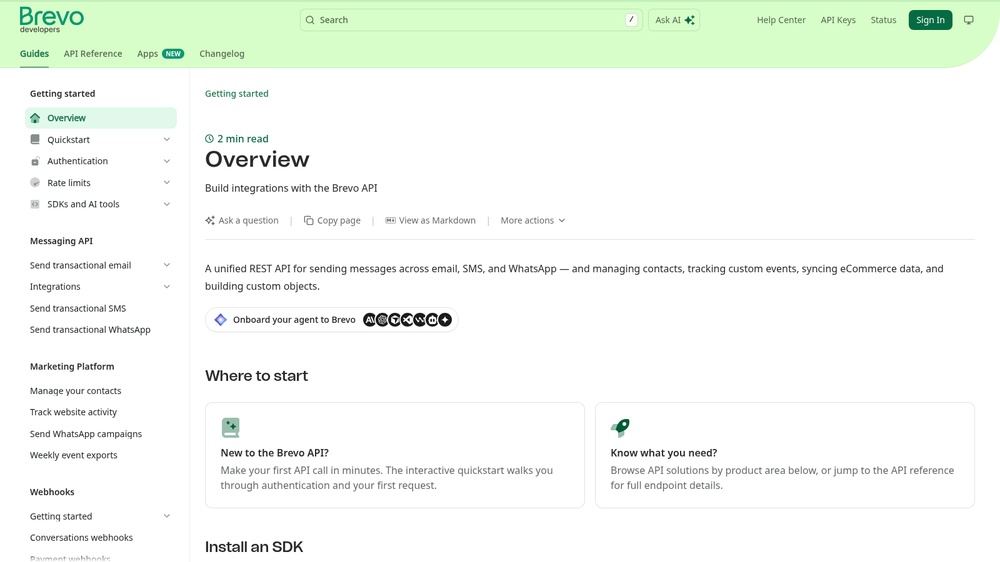
Brevo (formerly Sendinblue) offers an API to send transactional e-mail from your application, such as order confirmations and password resets, plus SMS and WhatsApp messages. Use templates with variables, track opens, clicks and bounces through webhooks, and manage contacts and lists. Responses are JSON. The free plan allows 300 e-mails per day; paid plans remove that limit. An official MCP server at https://mcp.brevo.com/v1/brevo/mcp lets AI agents use the Brevo API.
At a glance
- API key
- Needed, free · More APIs with a free key
- Pricing
- The free plan allows 300 e-mails per day; paid plans remove that limit.
- From the browser
- Yes (CORS)
- Formats
- JSON
- Interface
- REST, HTTP-GET, Webhooks, MCP
- Provider
- developers.brevo.com
- Last checked
- Working on November 15th, 2026
More information: https://developers.brevo.com/
Compare: Resend vs Brevo (Sendinblue) email API · Brevo (Sendinblue) email API vs Mailjet Email API
Is this your service? Show that it is listed
Put this badge on your website or in your README; it links to this page. About the badge

Example request
curl
curl 'https://api.brevo.com/v3/account' \
  -H 'api-key: YOUR_API_KEY' \
  -H 'Accept: application/json'
JavaScript
const response = await fetch("https://api.brevo.com/v3/account", {
  headers: {
    "api-key": "YOUR_API_KEY",
    "Accept": "application/json",
  },
});
const data = await response.json();
console.log(data);
Python
import requests

response = requests.get(
    "https://api.brevo.com/v3/account",
    headers={
        "api-key": "YOUR_API_KEY",
        "Accept": "application/json",
    },
    timeout=30,
)
print(response.json())
Replace YOUR_API_KEY with your own key. The JavaScript works in a web page as well as in Node.js 18 or newer.