
Qdrant Cloud
by qdrant.tech
Embeddings and reranking
Added on November 3rd, 2026
Visit qdrant.tech →
What it does
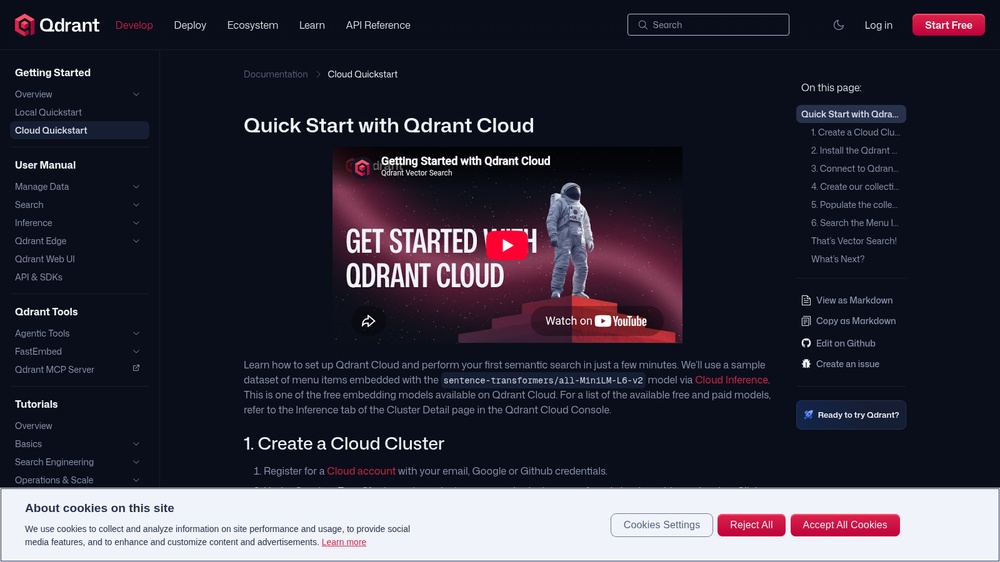
Qdrant Cloud runs the open-source Qdrant vector database as a service: store vectors with a payload and search them by similarity with filters, for example for semantic search or recommendations. Call the cluster's REST API with an api-key header and JSON. Free forever: one cluster with 1 GB RAM and 4 GB disk and free small embedding models, no credit card needed; unused free clusters are suspended after a week and deleted after four weeks. An official MCP server (mcp-server-qdrant) lets AI agents store and search memories in Qdrant.
At a glance
- API key
- Needed, free · More APIs with a free key
- Pricing
- Free forever: one cluster with 1 GB RAM and 4 GB disk and free small embedding models, no credit card needed; unused free clusters are suspended after a week and deleted after four weeks.
- Formats
- JSON
- Interface
- REST, MCP
- Provider
- qdrant.tech
More information: https://qdrant.tech/documentation/cloud-quickstart/
Compare: Pinecone API vs Qdrant Cloud
Is this your service? Show that it is listed
Put this badge on your website or in your README; it links to this page. About the badge

Example request
curl
curl -X POST 'https://YOUR_CLUSTER.cloud.qdrant.io:6333/collections/YOUR_COLLECTION/points/query' \
  -H 'api-key: YOUR_API_KEY' \
  -H 'Content-Type: application/json' \
  -d '{"query":{"nearest":{"text":"What is a vector database?","model":"sentence-transformers/all-minilm-l6-v2"}},"limit":3}'
JavaScript
const response = await fetch("https://YOUR_CLUSTER.cloud.qdrant.io:6333/collections/YOUR_COLLECTION/points/query", {
  method: 'POST',
  headers: {
    "api-key": "YOUR_API_KEY",
    "Content-Type": "application/json",
  },
  body: JSON.stringify({"query":{"nearest":{"text":"What is a vector database?","model":"sentence-transformers/all-minilm-l6-v2"}},"limit":3}),
});
const data = await response.json();
console.log(data);
Python
import requests

response = requests.post(
    "https://YOUR_CLUSTER.cloud.qdrant.io:6333/collections/YOUR_COLLECTION/points/query",
    headers={
        "api-key": "YOUR_API_KEY",
        "Content-Type": "application/json",
    },
    json={
        "query": {
            "nearest": {
                "text": "What is a vector database?",
                "model": "sentence-transformers/all-minilm-l6-v2",
            },
        },
        "limit": 3,
    },
    timeout=30,
)
print(response.json())
Replace YOUR_CLUSTER, YOUR_COLLECTION and YOUR_API_KEY with your own values from your account.